Simple Steps To Control Your Android Device From Your PC - Computers - Nairaland
Nairaland Forum › Science/Technology › Computers › Simple Steps To Control Your Android Device From Your PC (998 Views)
1 Reply
| Simple Steps To Control Your Android Device From Your PC by sainttobs(op): 1:03am On Apr 27, 2018 |
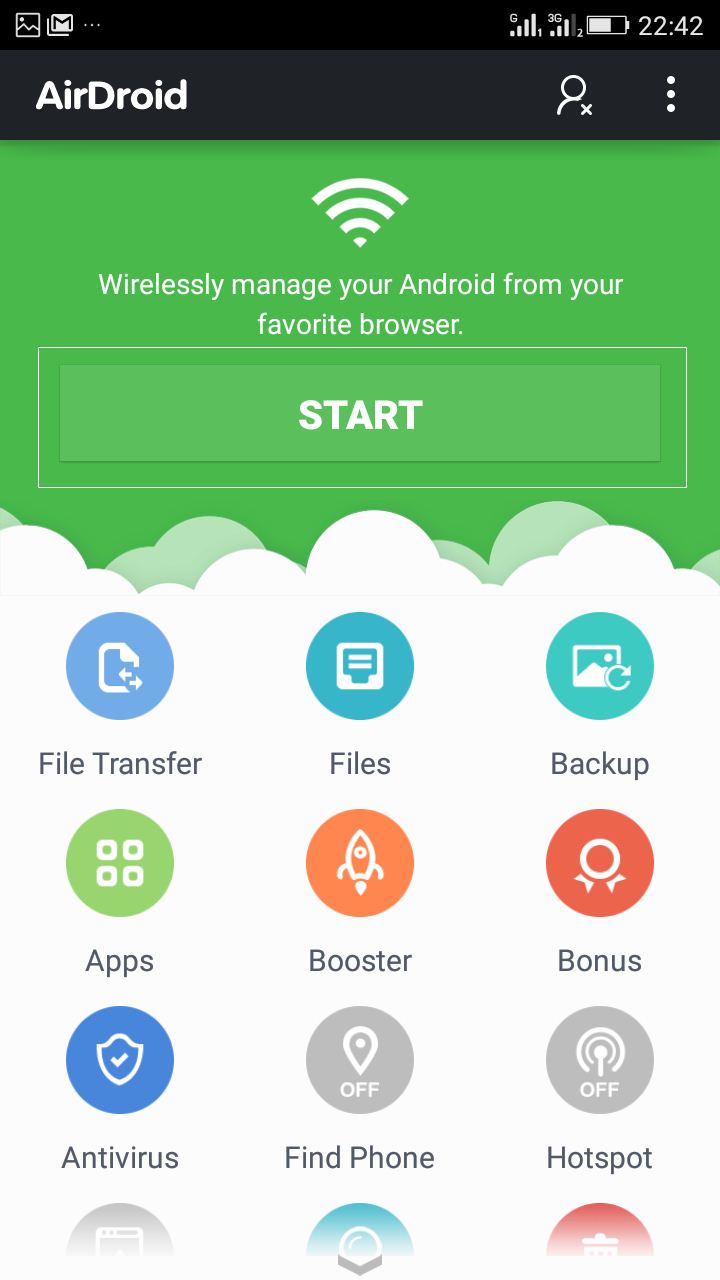
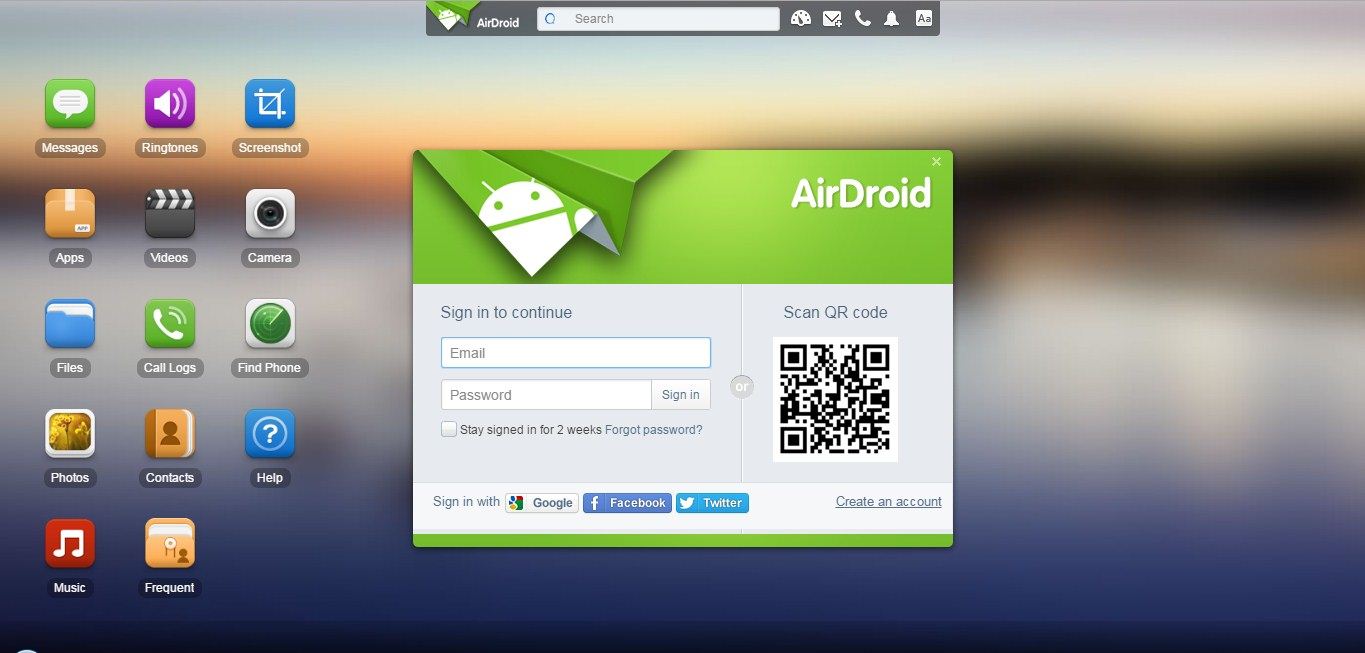
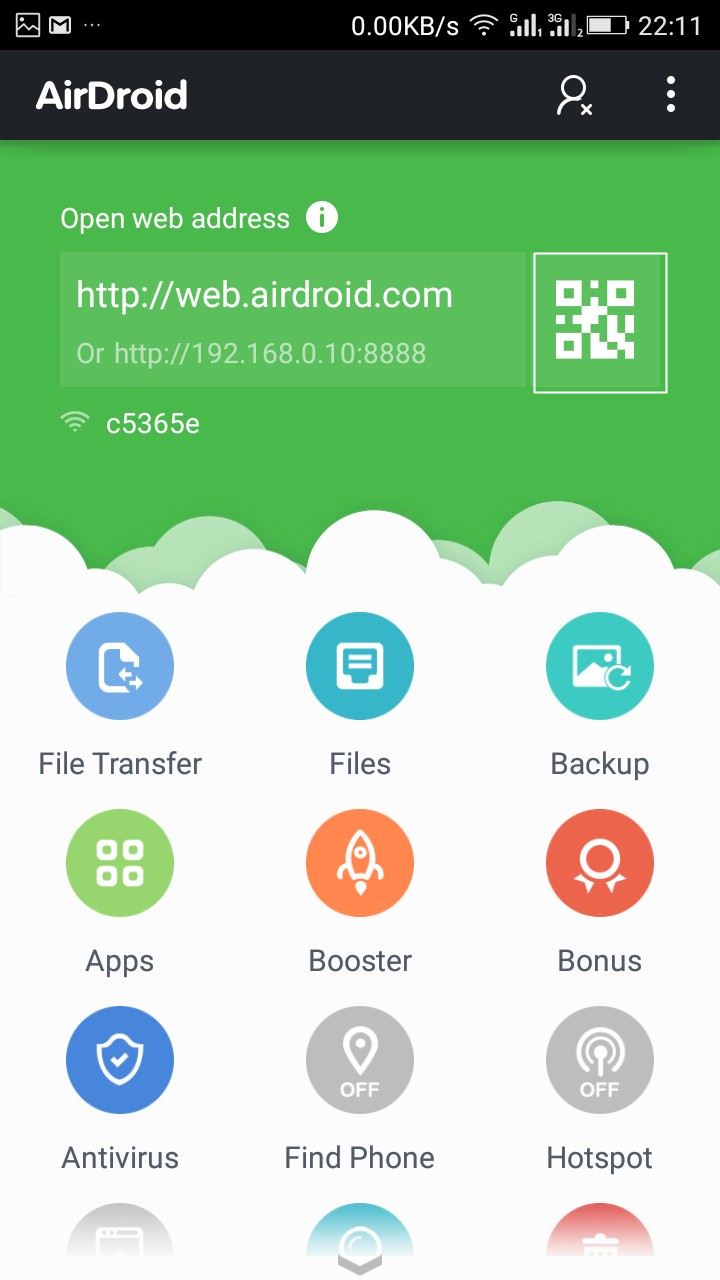
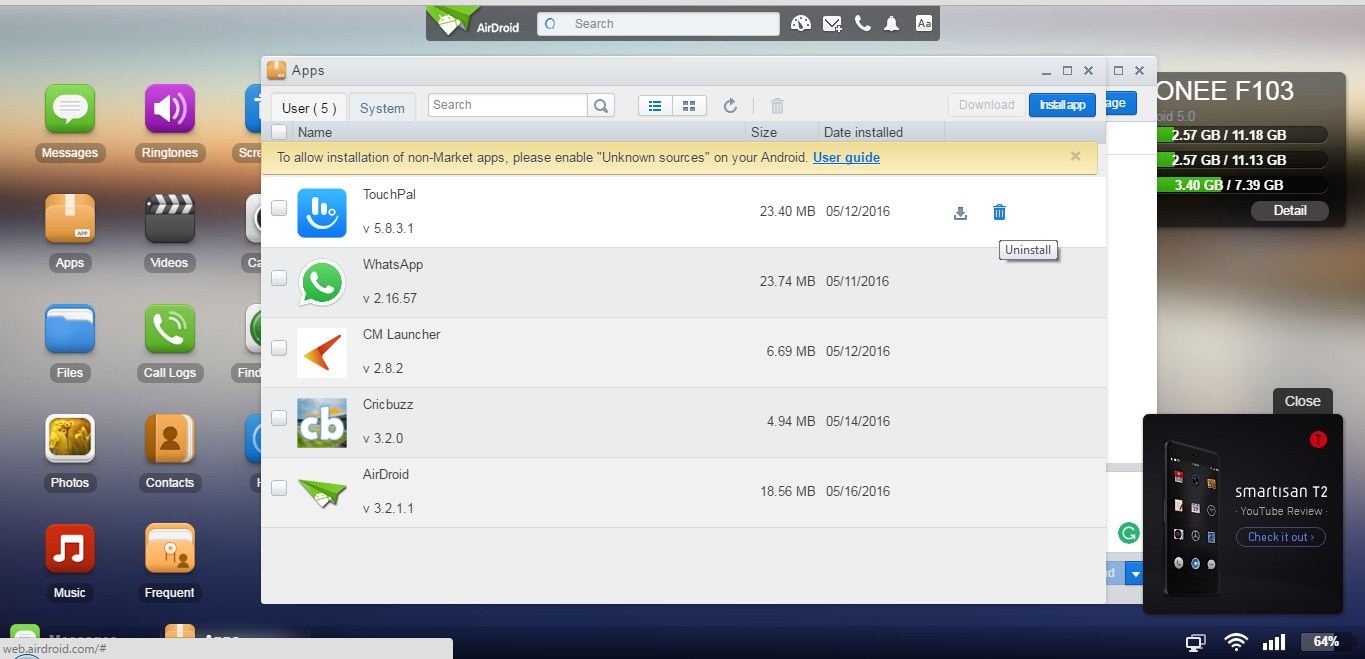
Simple Steps To Control Your Android Device From Your PC Learn how to control your Android device from your PC: Here we’ve stated how to remotely control your Android from PC. We will be showing you 3 methods of controlling your android from your PC, using AirDroid, Team Viewer and Vysor. In this post, we will describe how to control your android device from PC. Yes, it’s possible as you can access your Android device from PC. This will help you to manage your Android device when it is not available to you, and the excellent thing is you can transfer files from PC to Android through the wireless network. There are numerous apps available on the internet that allows you to share and transfer files wirelessly, but AirDroid is one of the reliable out there that will make you remotely manage to your Android from a Web browser. Simple Steps To Control Your Android Device From Your PC AirDroid allows you to access and manage your Android phone or tablet from Windows, Mac or the Web, wirelessly, for free. Advantages and Features of AirDroid: You can also directly talk from PC. Send and Receive SMS from PC. Transfer apps, images, videos, files from PC to mobile through the wireless network. Install/Uninstall apps quickly and also take the complete backup of your device. Trace your device when you lost it and much more features available in AirDroid. How to Use AirDroid: Step 1. Download AirDroid on your Android device and install it. Step 2. You will be asked to Sign in or Sign Up. But if you have an active WiFi connection then just choose the option of “Configure Wi-fi Network.” https://techviral.net/wp-content/uploads/2015/06/Airdroid-2.jpg How to Control Android From Pc Step 3. Now select Wifi Settings and connect your Default Wifi Network and go back to the home screen. https://techviral.net/wp-content/uploads/2015/06/Airdroid-3.png How to Control Android From Pc Step 4. Now from PC browser, go to web.airdroid.com, and you will see a QR Code there. https://techviral.net/wp-content/uploads/2015/06/Airdroid-computer.jpg Step 5. Now simply open Airdroid app from your Android and scan the QR Code Given on your Computer screen. https://techviral.net/wp-content/uploads/2015/06/Airdroid-4.jpg Step 6. Now you have successfully connected your Android device to PC. You can upload files by clicking “Files” on the desktop, you can chat from your PC and have full access to your Android device. https://techviral.net/wp-content/uploads/2015/06/AIrdroid-computer-2.jpg cc: lalasticlala For more visit: https://www.9jatechguru.com.ng/2018/04/control-your-android-from-pc.html |



Appmuck.com Apk Tweak IOS & Android Device E-deals • How To Use Your PC With The Latest MTN Free Browsing On Your Android • How To Use A Bluetooth Keyboard With Your Android Device • 2 • 3 • 4
Unstable Network • How Do You Convert A Word Document To A PDF • US Used HP Elitebook 2560p Core I5